CRM & AI Automation
Route and enrich leads automatically, draft communications with AI, and triage documents before a human touches them.
01 — What this covers

The copy-pasting between inbox, spreadsheet and CRM disappears. A new enquiry creates the contact, alerts the right person, drafts the reply and files the paperwork — before anyone opens a tab.
- Every manual step mapped and documented before anything is built
- Automations deployed on the tools you already use, not a new platform
- AI drafting and document triage tuned to your voice and categories, with human approval where it matters
- Written runbook plus a short video per workflow, and alerts if anything breaks
02 — How it works

Map the manual steps
One session to document every copy-paste, handoff and approval between inbox, CRM, spreadsheet and tools, and agree which step wastes the most time.

Build and tune
Automations deployed on the tools you already use, with AI drafting and document triage tuned to your voice and categories, and a human approval step where it matters.

Handover and watch
Goes live gradually with alerts if anything breaks, plus a written runbook and a short video per workflow so your team can adjust without waiting on me.
03 — Case Studies

Zarél
A Portuguese jewelry storefront for contemporary pieces, with catalog, checkout, and PT-first SEO.
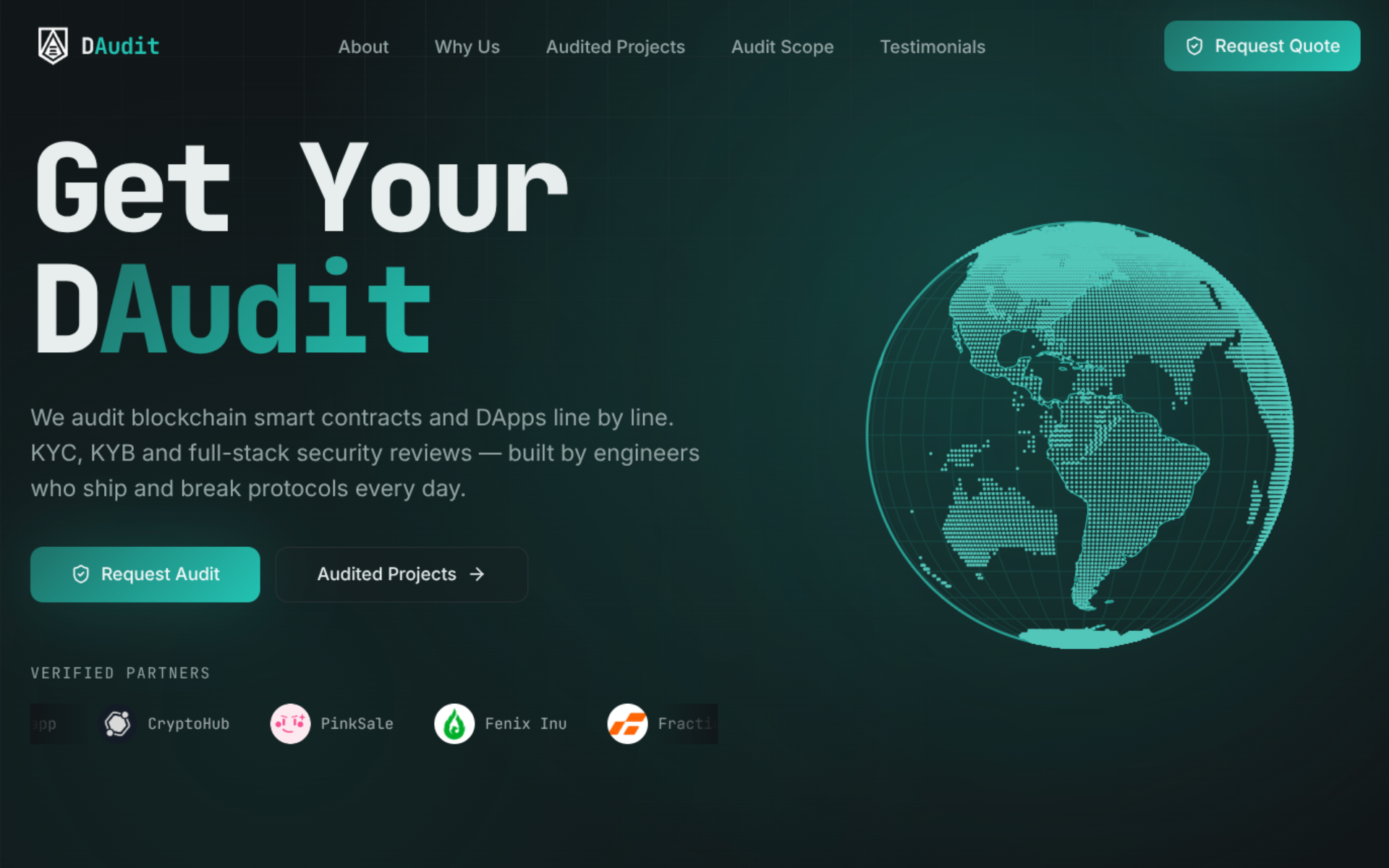
DAudit
A conversion-focused site for a smart-contract audit agency, with proof sections and service positioning.
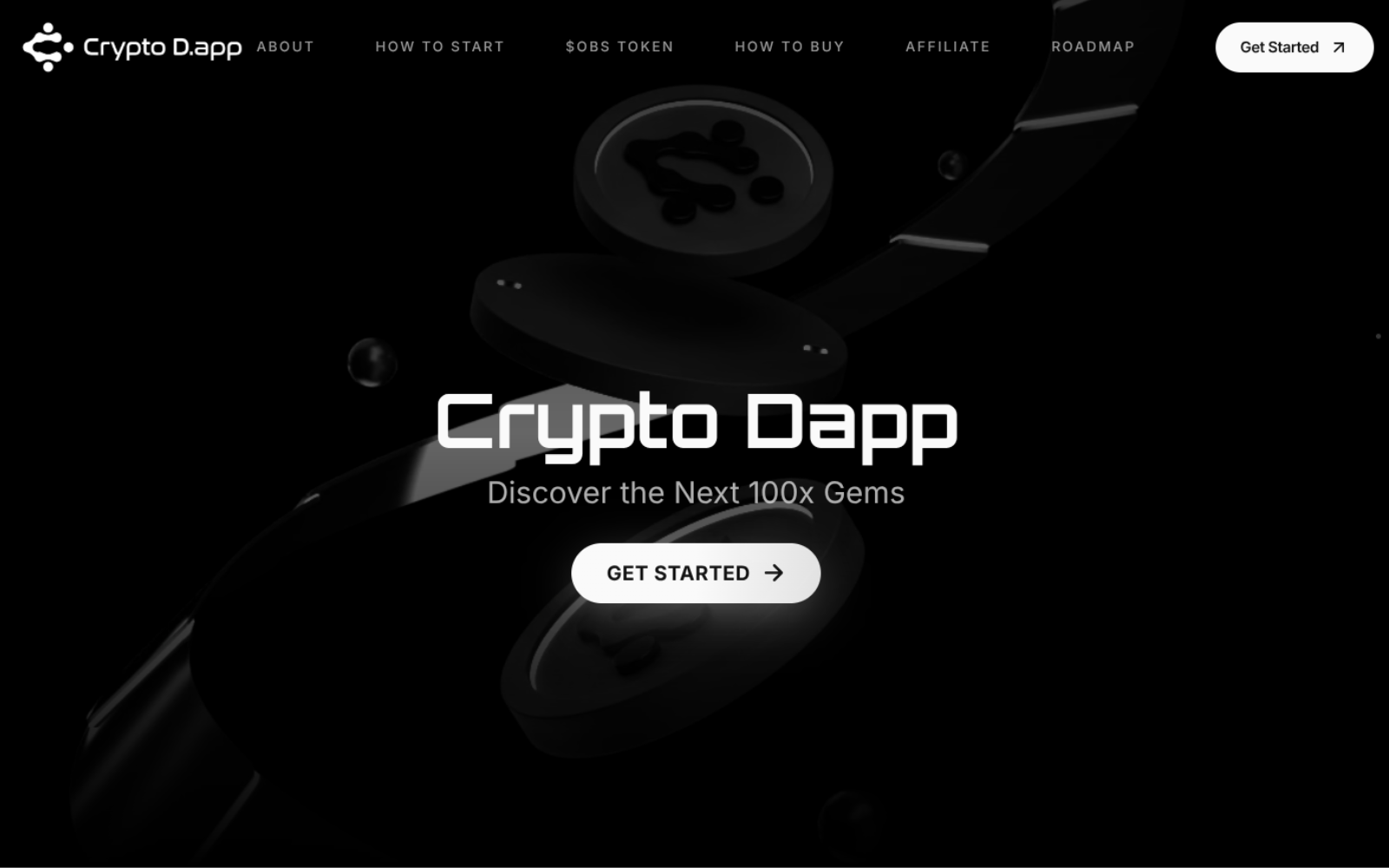
Crypto Dapp
A public deal-discovery dApp plus a private admin dashboard for curating token-sale catalogues.
04 — FAQ
What kind of tasks can actually be automated?+
Do I need to change the tools we already use?+
Will this replace people on my team?+
Is my data safe if AI is writing emails or reading documents?+
What happens if an automation breaks?+
How long does it take to set up?+
Related services

Web Application / MVP
Replace spreadsheets and legacy tools with a custom portal your team or customers can log into.
View service
Landing Page
Launch a fast, mobile-first site built to capture leads and convert visitors into conversations.
View service
SEO Improvement
Show up where customers search with an optimized Google Business Profile, technical SEO, and content plan.
View serviceLet's Work Together
Tell me about your project and I'll come back with a plan and a timeline.
Get in Touch