UI Modernization
Turn outdated internal portals into clean, modern dashboards that your team actually uses, reducing training time and daily friction.
01 — What this covers
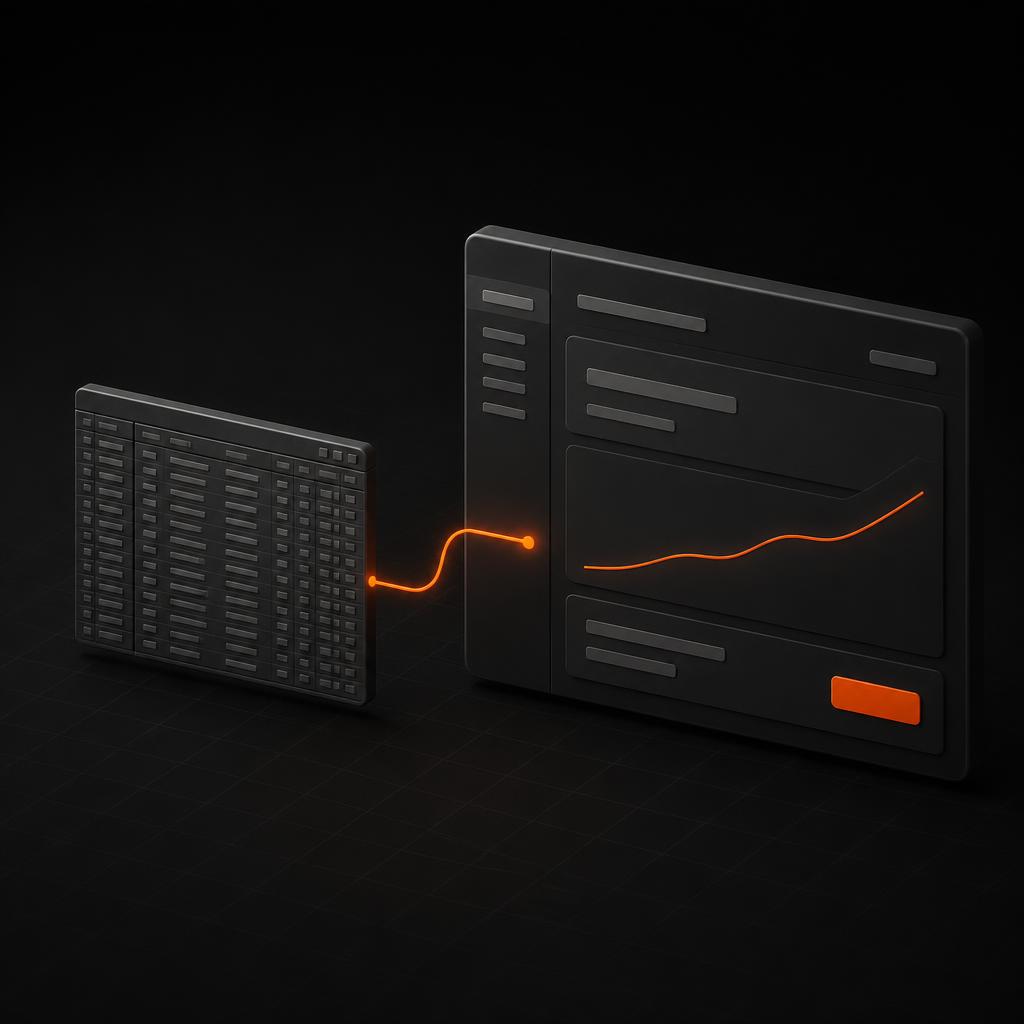
Old internal portals usually work, they are just painful. I sit with the two or three screens your team uses all day, find where the confusion and extra clicks pile up, and rebuild those first so people stop avoiding the tool.
- Review of the screens your team actually lives in, with the friction points listed
- A modern, readable redesign that keeps the workflow your team already knows
- Clear states for loading, empty, error and permissions so nothing feels broken
- Handover files and notes so your developers can implement it without guesswork
02 — How it works
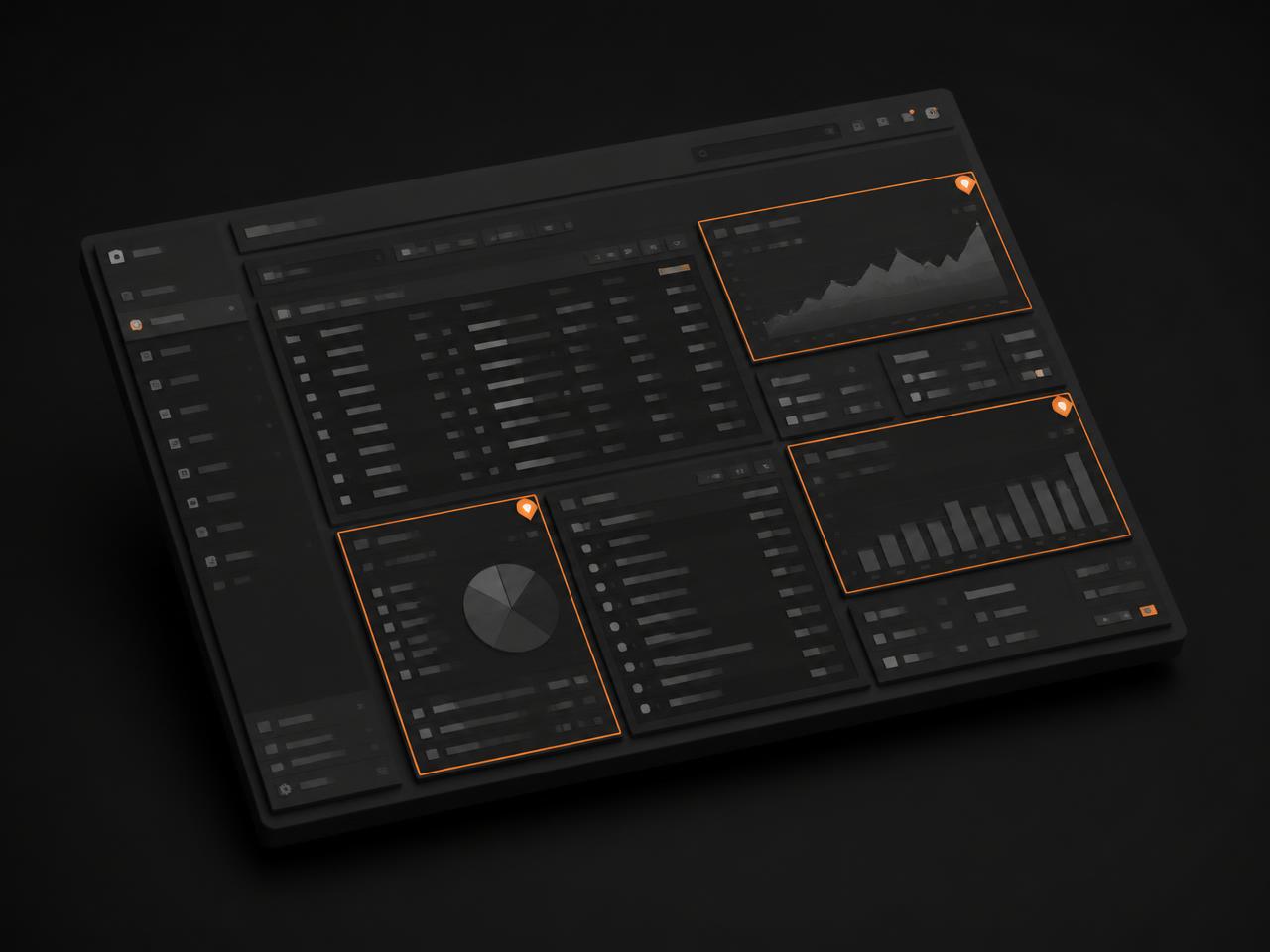
Screen audit
One call to agree the two or three screens your team uses all day, and to list where the clicks and confusion pile up.
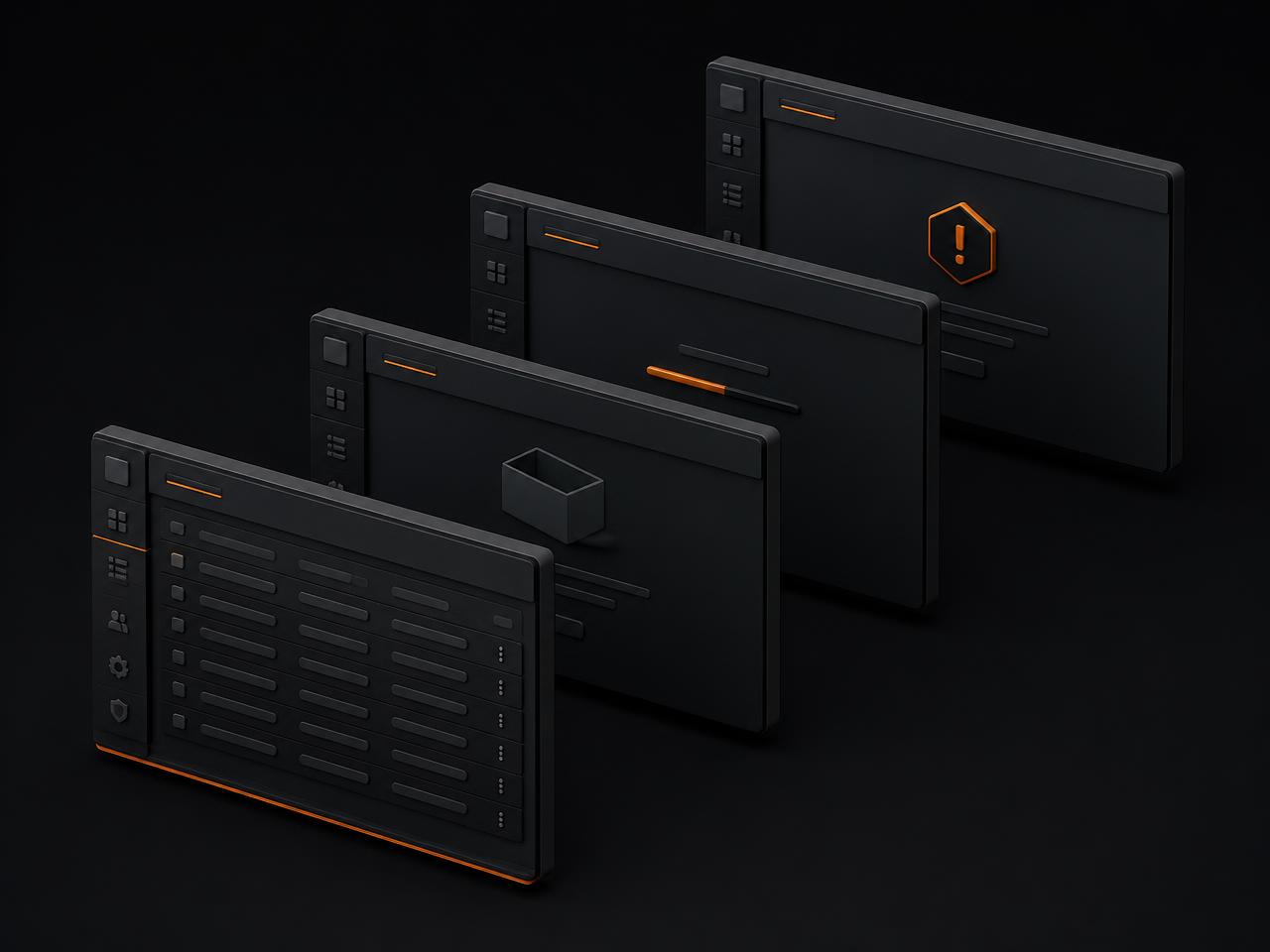
Redesign the daily screens
Those screens are rebuilt to be readable and modern while keeping the workflow your team already knows, including loading, empty, error and permission states.
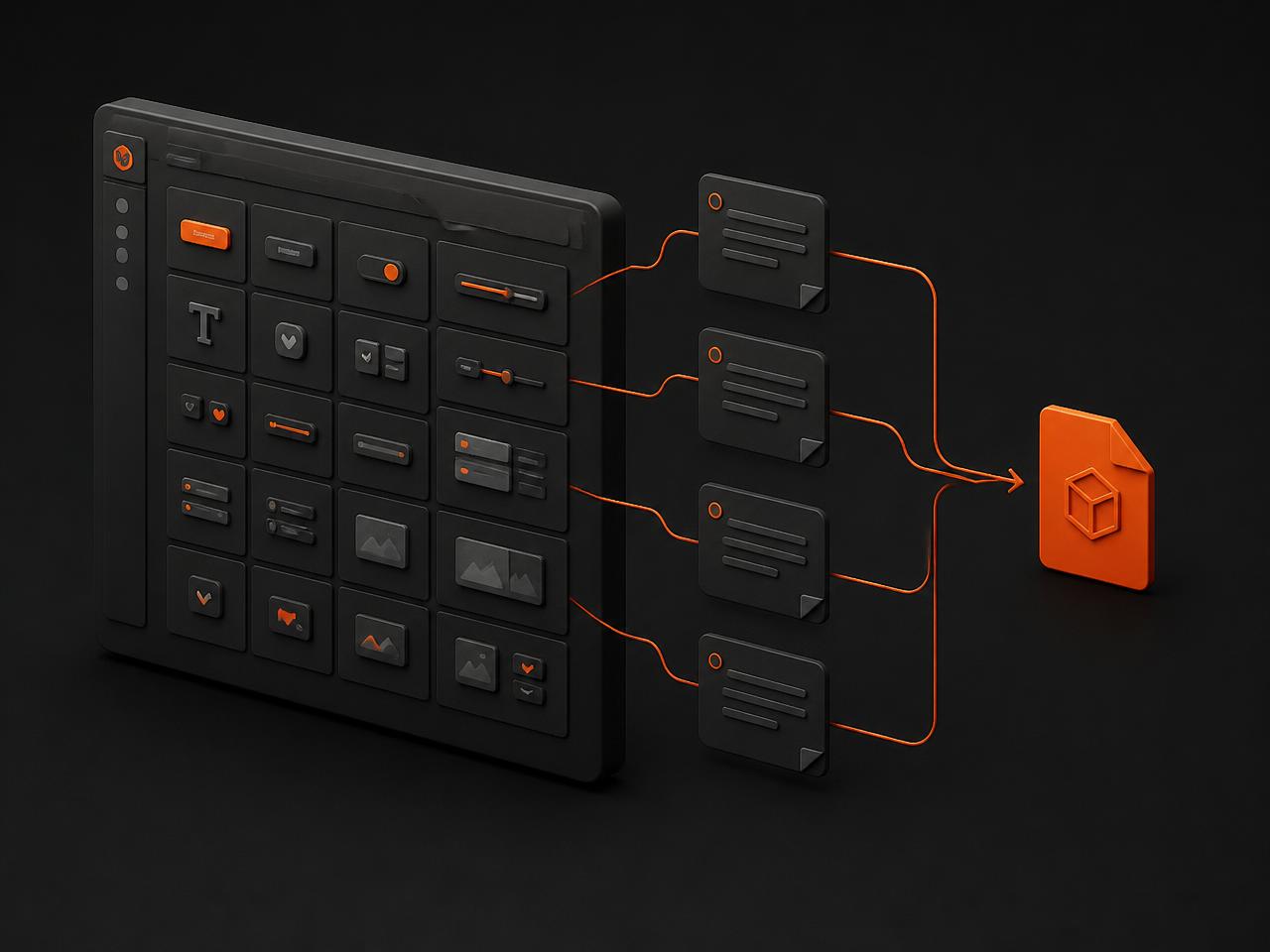
Handover to your developers
You get the screens, states and components plus notes on each decision, so your developers can implement it without guessing.
03 — Case Studies

Zarél
A Portuguese jewelry storefront for contemporary pieces, with catalog, checkout, and PT-first SEO.
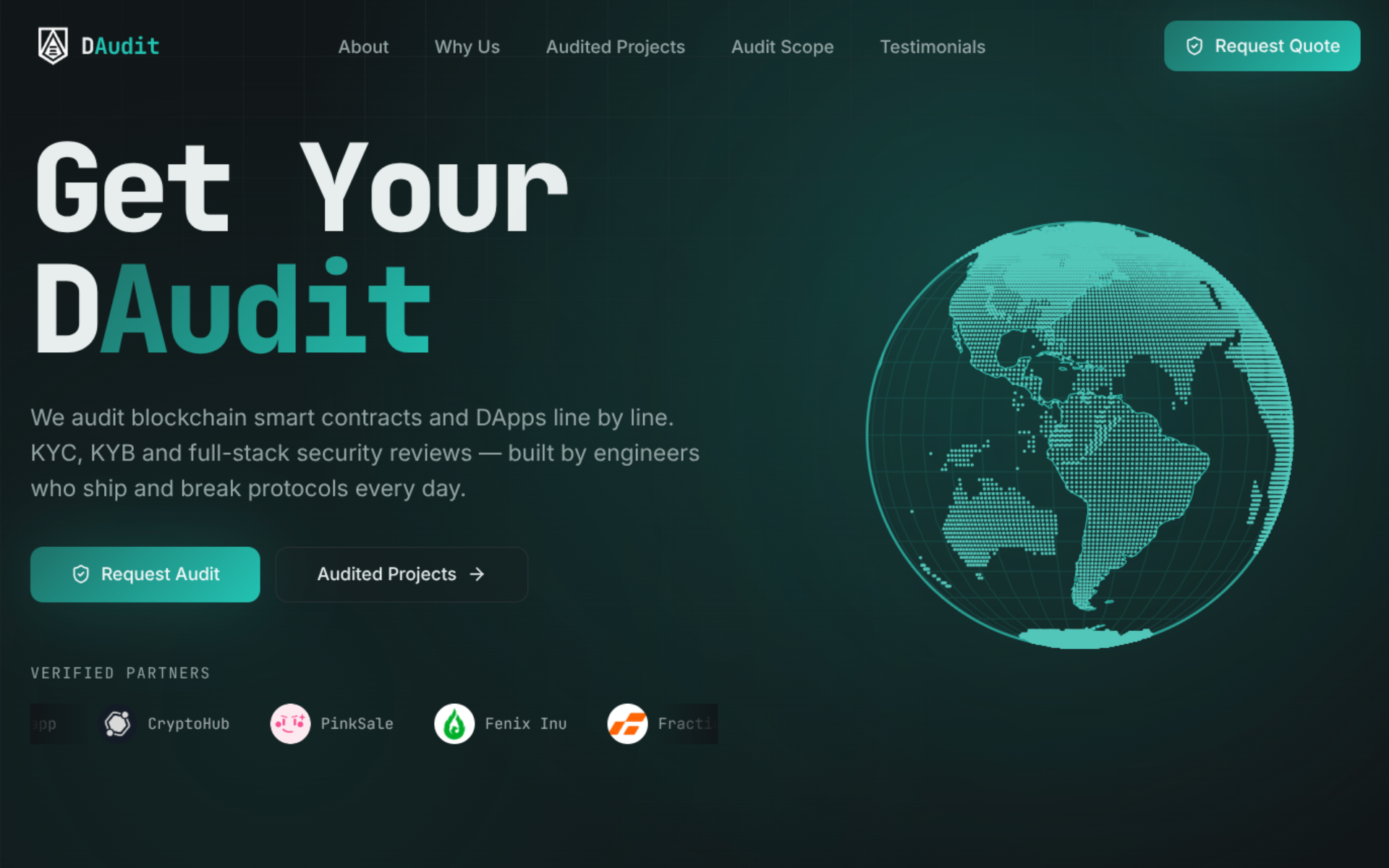
DAudit
A conversion-focused site for a smart-contract audit agency, with proof sections and service positioning.
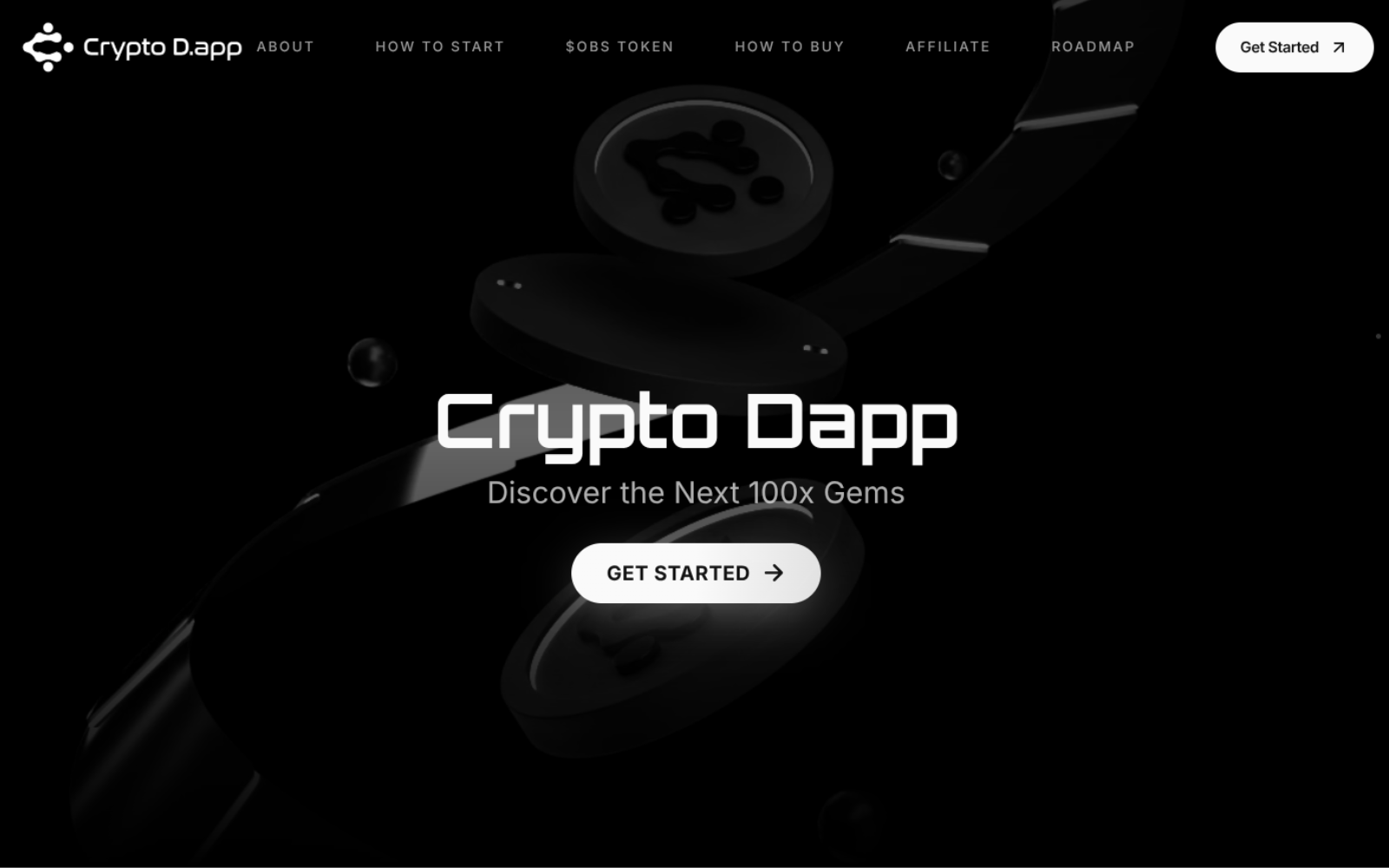
Crypto Dapp
A public deal-discovery dApp plus a private admin dashboard for curating token-sale catalogues.
04 — FAQ
Our internal tool works but everyone complains about it. What happens?+
Do you replace the whole system or just the interface?+
Will my team need retraining?+
What do my developers get at the end?+
How long does it take?+
Related services
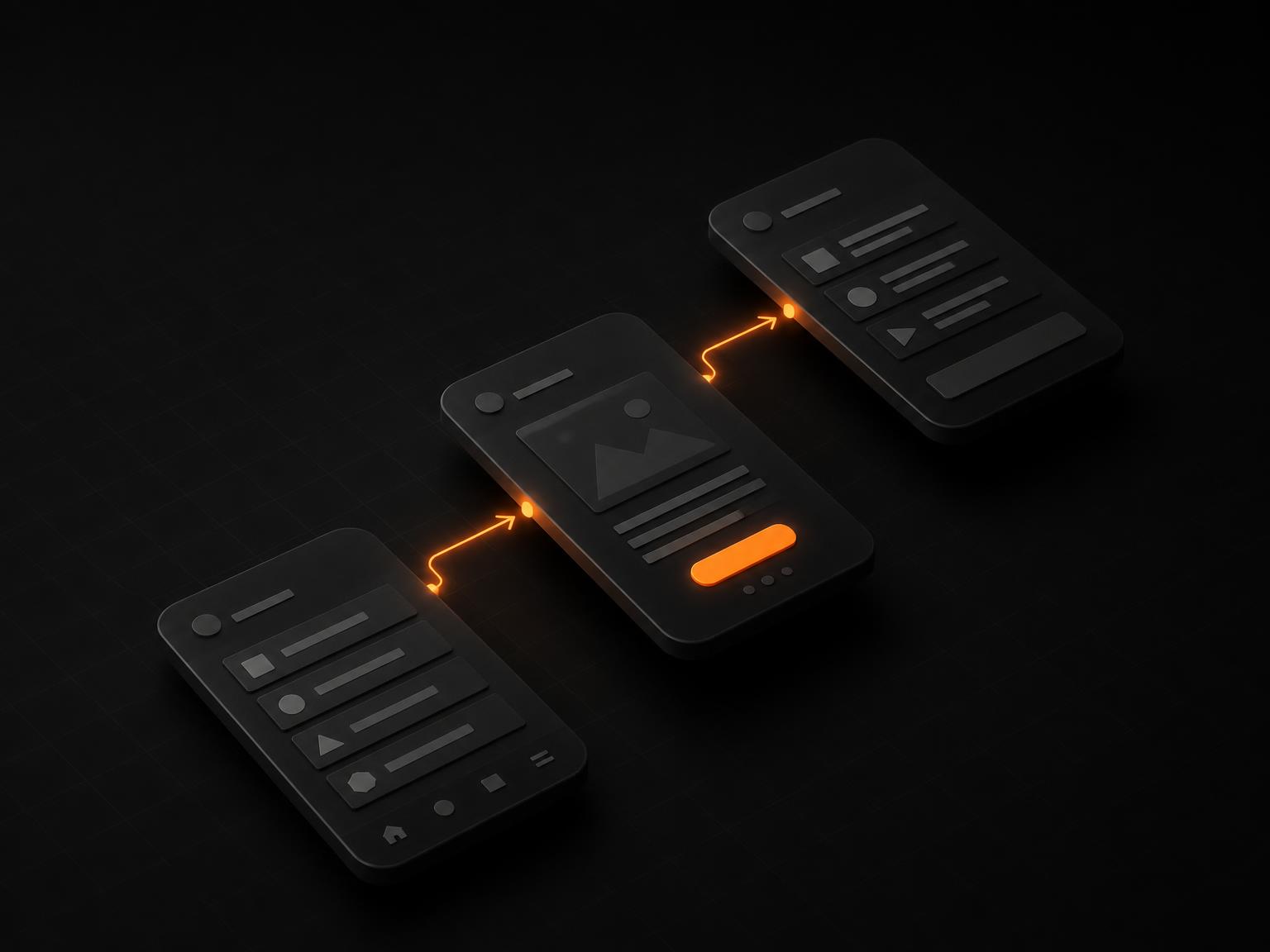
Prototyping & Proof of Concept
Test a realistic, clickable version of your product on phone or desktop before committing to backend engineering. Ideal for securing stakeholder approval and internal budget.
View service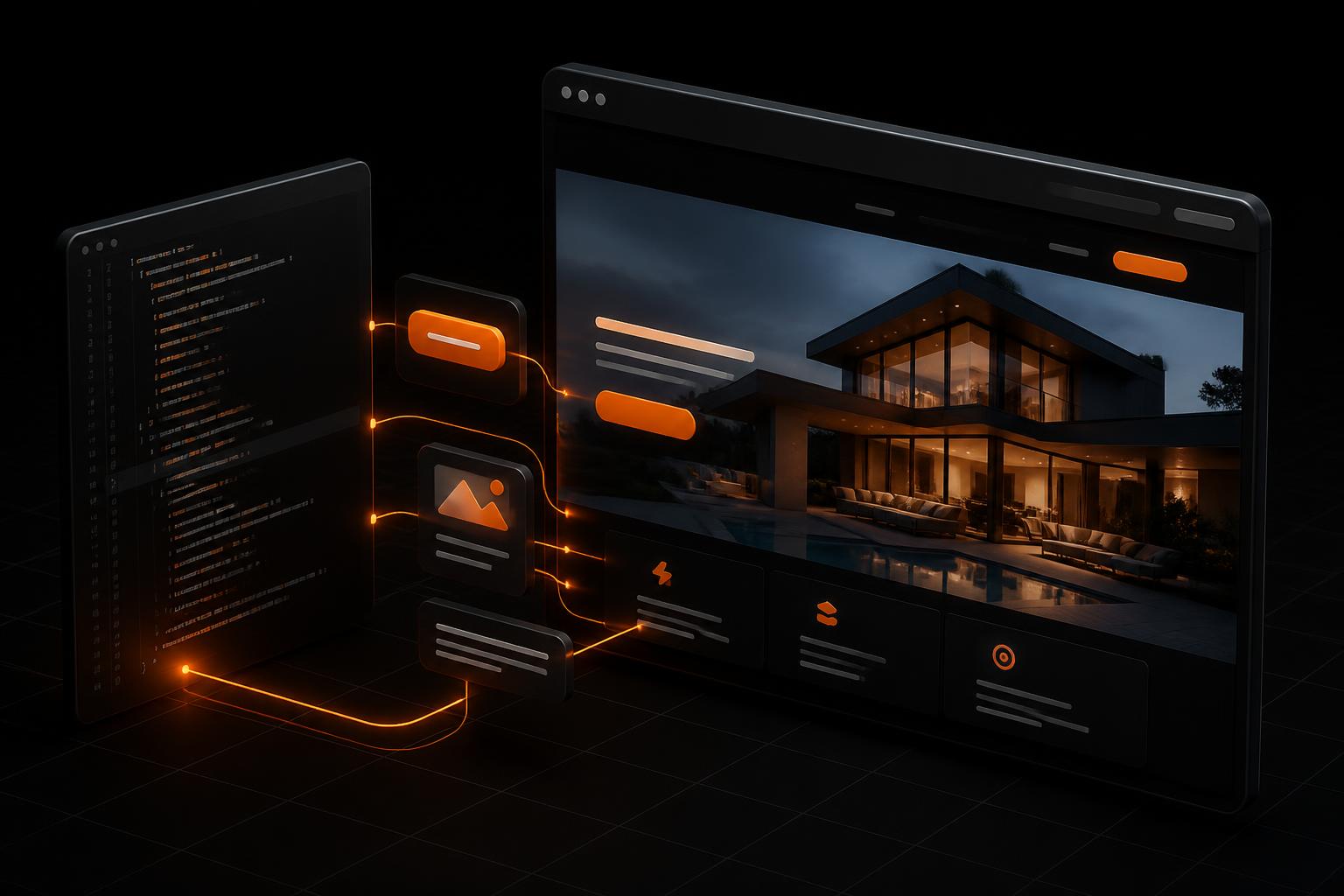
Web Application / MVP
Replace spreadsheets and legacy tools with a custom portal your team or customers can log into.
View service
CRM & AI Automation
Route and enrich leads automatically, draft communications with AI, and triage documents before a human touches them.
View serviceLet's Work Together
Tell me about your project and I'll come back with a plan and a timeline.
Get in Touch